
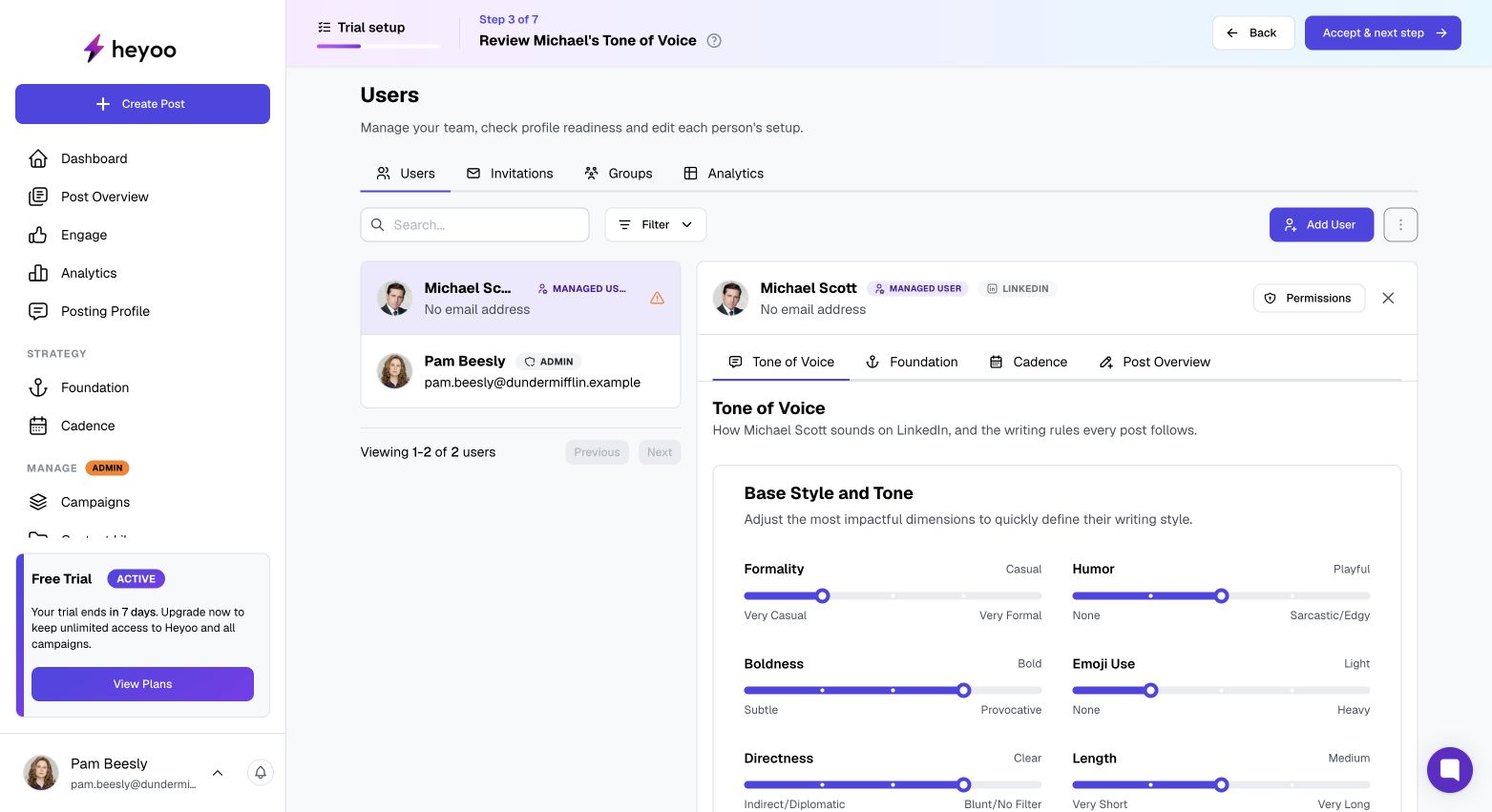
Open Users and select the person. Review their Tone of Voice, Foundation and Cadence so you have the right context before you draft.
Check their posting permissions. The person must connect their own LinkedIn account before a post can go out on their behalf.
Open Create Post, choose your source material and select the person under Post for.
Review the draft for accuracy and voice. Use Send for approval when you need their review. When the draft is ready to go out and you have permission, set a date and use Schedule post.
Check the person’s Post Overview for the planned post.
See Approval Workflow for the reviewer’s steps.
Agree who does what
Ask the person whose profile will publish the post to confirm their permissions and connect LinkedIn themselves. Agree who supplies the idea, who reviews the draft and who schedules it. When a review is requested, check the response in Post Overview before treating the post as ready to publish.
Connect your LinkedIn account explains what the person authorises.
Check the setup with the person you write for
In Users, open their profile and check Permissions for creating posts and approval. They connect LinkedIn themselves. You can prepare content before they connect and schedule publication once their connection and permissions are in place.
Work through review and scheduling
Start with the person’s own perspective, for example a short voice note or an example from their work. Select them under Post for and check the author again in the editor. If you send the post for approval, check Post Overview → Approvals for the response. Once it is ready for publication, confirm the date and time in Post Overview.
If a scheduled post fails due to an expired connection, the person whose profile will publish it needs to reconnect their own LinkedIn account.